

General Department of Customs and Excise

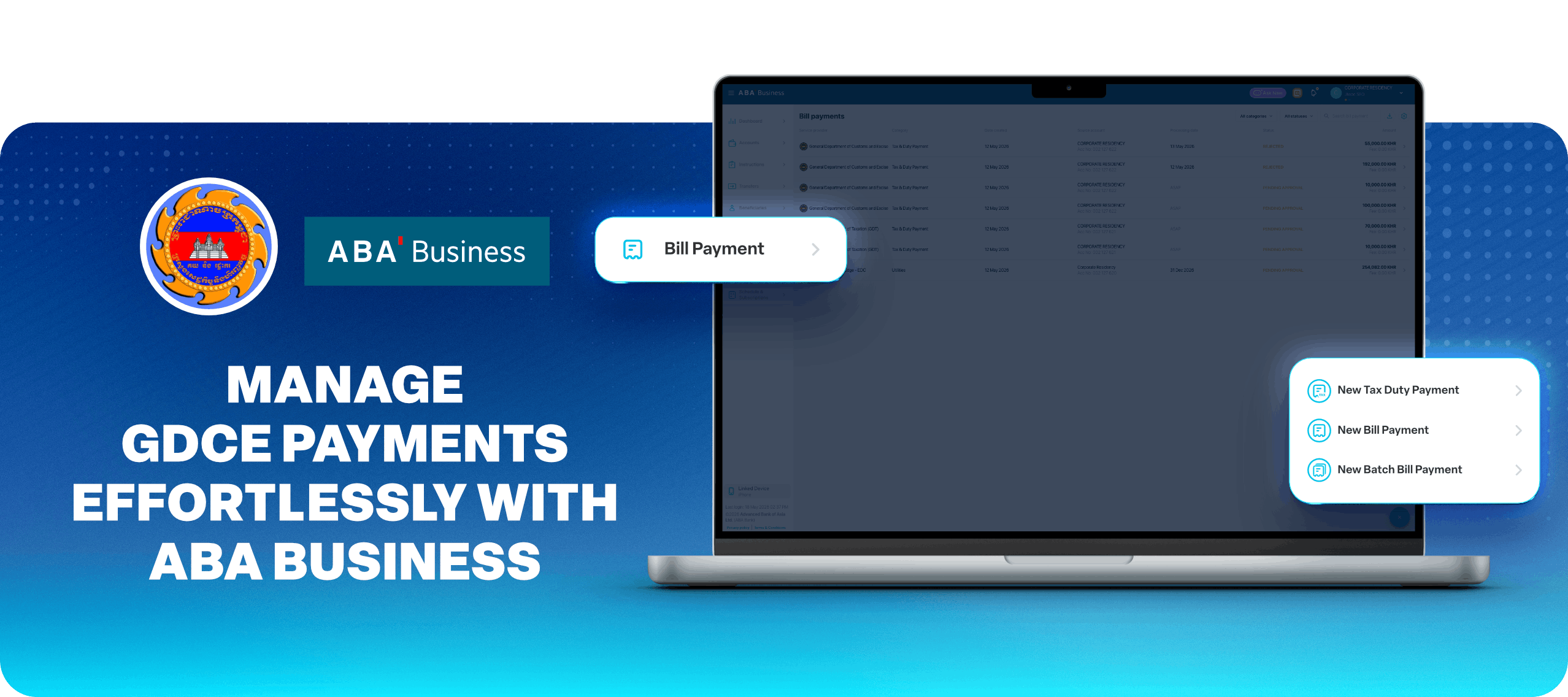
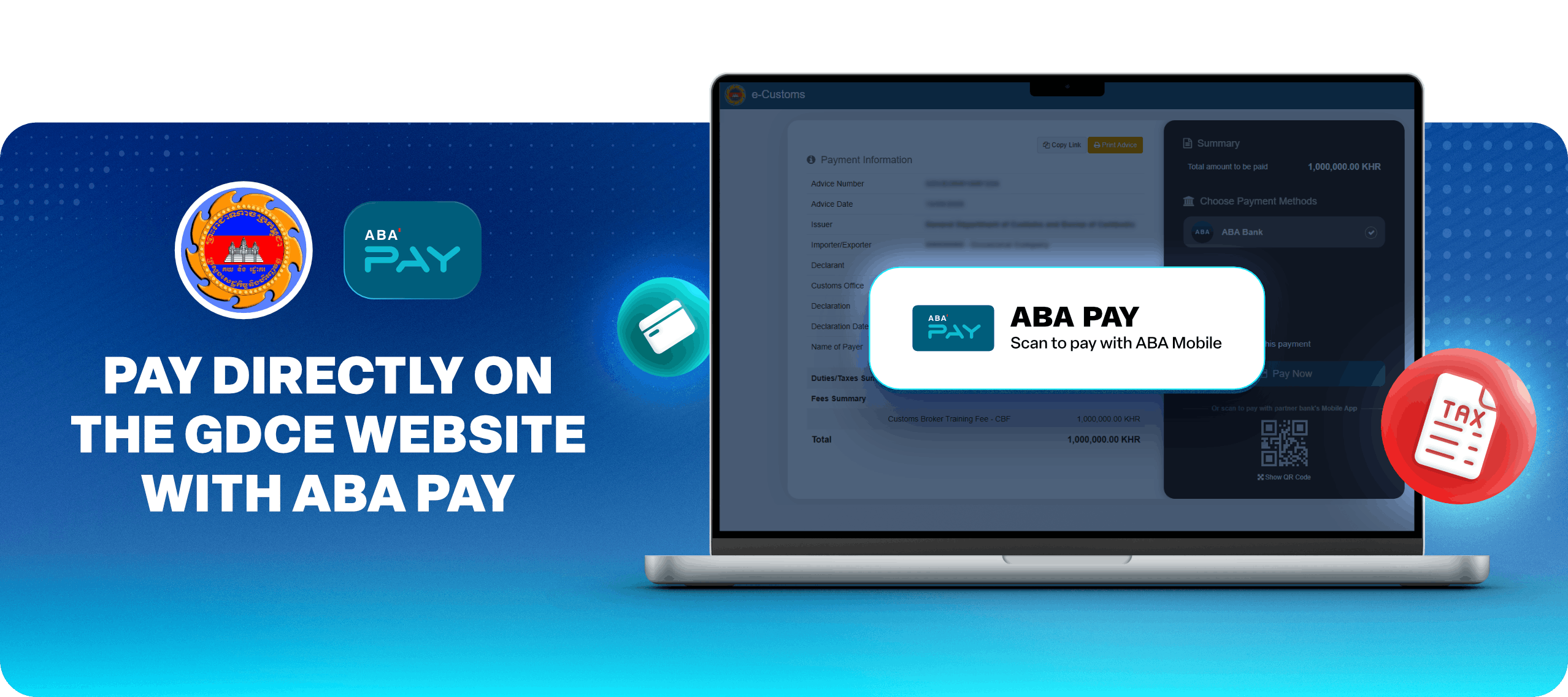
Conveniently pay customs duties and taxes through ABA PAY on the GDCE website, ABA Mobile, ABA Business, or at ABA branches nationwide. ABA Bank is an authorized tax collection bank for the General Department of Customs and Excise (GDCE).
Why pay with ABA?

Zero Commission icon

Zero Commission Pay your customs duties and taxes with no additional bank fees
Fast & Secure icon

Fast & Secure Enjoy reliable and secure payment processing with ABA

Pay Your Way icon

Pay Your Way Choose the most convenient way to complete your tax payments – online or at ABA branches nationwide
Convenient Digital Payments icon

Convenient Digital Payments Complete payments directly from your ABA account through ABA Mobile, ABA PAY, or ABA Business

Payment​ with​ ABA​ Mobile​

By​ Government​ Services
  1. ​Launch​ your​ ABA​ Mobile
  2. ​Tap​ Payments
  3. ​Select​ Government​ Services
  4. ​Scroll​ down​ to​ General​ Department​ of​ Customs​ and​ Excise
  5. ​Select​ your​ Source account,​ enter​ your​ Advice​ No./any​ Customs​ and​ Excise​ office’s​ accounts​ with​ ABA​ and​ tap​ PAY ​NOW

Useful links:

ABA​ Scan​
  1. ​Launch​ your​ ABA​ Mobile
  2. ​Tap​ ABA​ Scan
  3. ​Scan​ QR/Barcode​ of​ your​ Payment​ Advice
  4. ​Select​ your​ Source​ account​ and​ tap​ PAY​ NOW

Payment​ through​ ABA​ Business​ online​ banking​ platform

By​ Payment​ Advice​ Number​ (E-Payment)
Single​ Advice​ Number
  1. ​Log​ in​ to​ your​ ABA​ Business
  2. ​Go​ to​ Bill​ Payments,​ and​ then​ New​ Tax​ &​ Duty​ Payment
  3. ​Select​ your​ Source​ account​ and​ then​ General​ Department​ of​ Customs​ and​ Excise
  4. ​Key​ in​ your​ Advice​ Number​ and​ a​ remark​ (if​ any),​ then​ click​ Next
  5. ​Review​ the​ summary,​ accept​ terms​ &​ conditions,​ and​ then​ click​ Submit​ Authenticate​ the​ instruction​ by​ using​ the​ ABA​ Business​ app​ to​ scan​ the​ generated​ QR​ and​ then​ inform​ your authorizer to approve the instruction
  6. ​Go to Accounts and export the transaction statement
Multiple​ Advice​ Numbers
  1. ​Log​ in​ to​ your​ ABA​ Business
  2. ​Go​ to​ Bill​ Payments,​ and​ then​ New​ Batch​ Bill​ Payment
  3. ​Select​ your​ Source​ account​ and​ then​ Government​ Services
  4. ​Upload​ the​ template​ in​ MS​ Excel,​ and​ click​ Next
  5. ​Review​ the​ summary,​ accept​ Terms​ &​ Conditions,​ then​ click​ Submit
  6. ​Authenticate​ the​ instruction​ by​ using​ the​ ABA​ Business​ app​​ to scan​​
    the​​ generated​​ QR
By​ Account-to-Account​ Transfer
  1. ​Log​ in​ to​ your​ ABA​ Business
  2. ​Go​ to​ Bill​ Payments​ and​ then​ New​ Tax​ &​ Duty​ Payment
  3. ​Select​ your​ Source​ account​ and​ then​ General​ Department​ of​ Customs​ and​ Excise
  4. ​Input​ any​ Customs​ and​ Excise​ office's​ account​ with​ ABA,​ the ​required ​Amount ​and ​a ​remark ​(if ​any), ​then ​click ​Next
  5. ​Review ​the ​summary, ​accept ​terms ​& ​conditions, ​and ​then ​click ​Submit ​Authenticate ​the ​instruction ​by ​using ​the ​ABA ​Business ​app ​to ​scan ​the ​generated ​QR ​and ​then ​inform ​your ​authorizer ​to ​approve ​the ​instruction
  6. Go​ to​ Accounts​ and​ export​ the​ transaction​ statement.

Useful links:

Payment​ with​ ABA​ PAY​ on​ the​ GDCE​ website​ (e-Payment)​

  1. Go to the GDCE website https://apps.customs.gov.kh/login
  2. Log​ in​ (username​ and​ password)
  3. Click E-Payment and Select Advice Number
  4. Click​ PAY​ and​ verify​ payment​ details
  5. Select​ ABA​ PAY​ and​ scan​ to​ pay​ with​ ABA​ Mobile

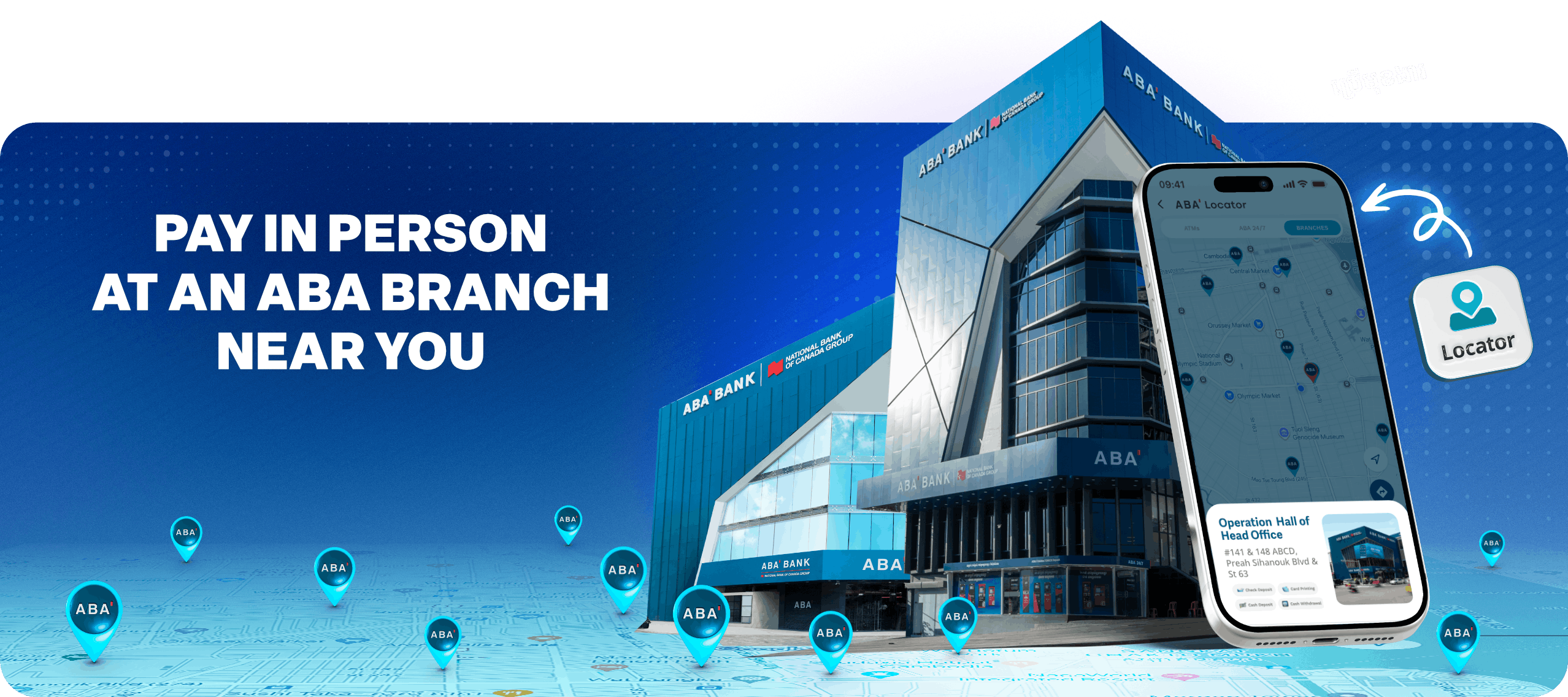
Payment at ABA Branches​

  1. Visit any nearest ABA Bank branch
  2. Go to the dedicated Tax Collection counter
  3. Provide Customs Advice Number (E-payment) to be processed via the Bank counter
  4. Fill in a Bank Operational Slip
  5. Inform the bank teller about your service request

Tax Collection Hours at ABA Branches

  • Monday to Friday, 8:00 AM to 4:00 PM for weekday branches (except public holiday)
  • Monday to Sunday, 8:00 AM to 7:00 PM for 12/7 branches (except public holiday)

If you have questions or need further assistance and information, please call us at 098 206 206.